Unlocked Laptop? Your Data Is Exposed
- Published
- Threat for
- All countries
Leaving your laptop unlocked for just a few minutes can be enough for someone to access your emails, documents, or company systems. A simple habit can help prevent this – lock your screen whenever you step away from your device.
Summary
Locking your screen is one of the easiest ways to protect your data from unauthorized access.
- use a password or biometric authentication
- set your device to lock automatically after a short period of inactivity
- always lock your screen before stepping away from your laptop
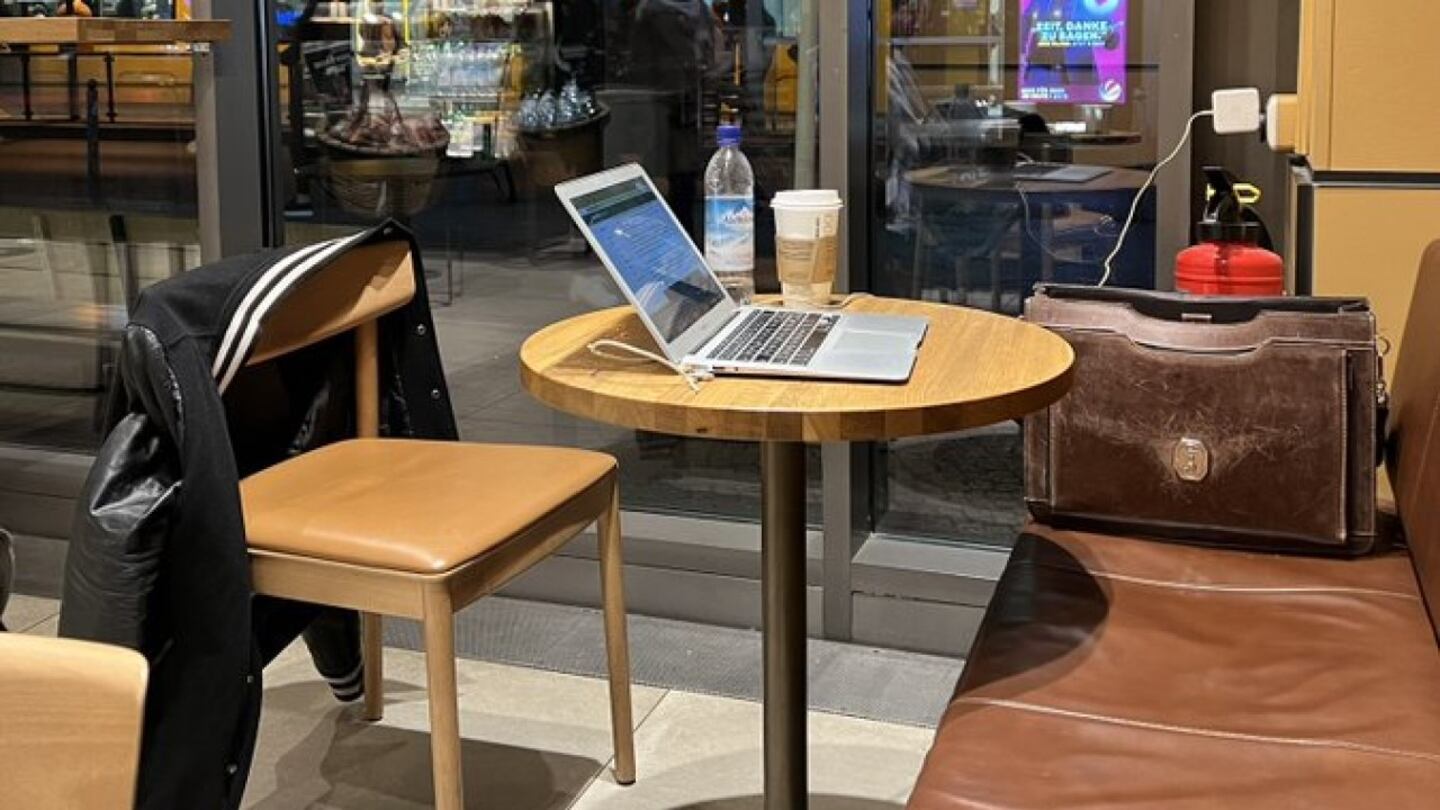
A Few Minutes Is Enough
An unlocked laptop can expose emails, documents, and company systems in moments. A quick coffee break or a short meeting may be enough for someone to:
- copy sensitive documents
- send emails in your name
- access company applications
- install malicious software
That is why you should lock your laptop whenever you step away – even if only for a moment.
A Few Seconds Can Protect Your Data
Securing your laptop does not have to slow you down. You can quickly sign in using a PIN, fingerprint, or facial recognition. It is also a good idea to set your device to lock automatically after a short period of inactivity.
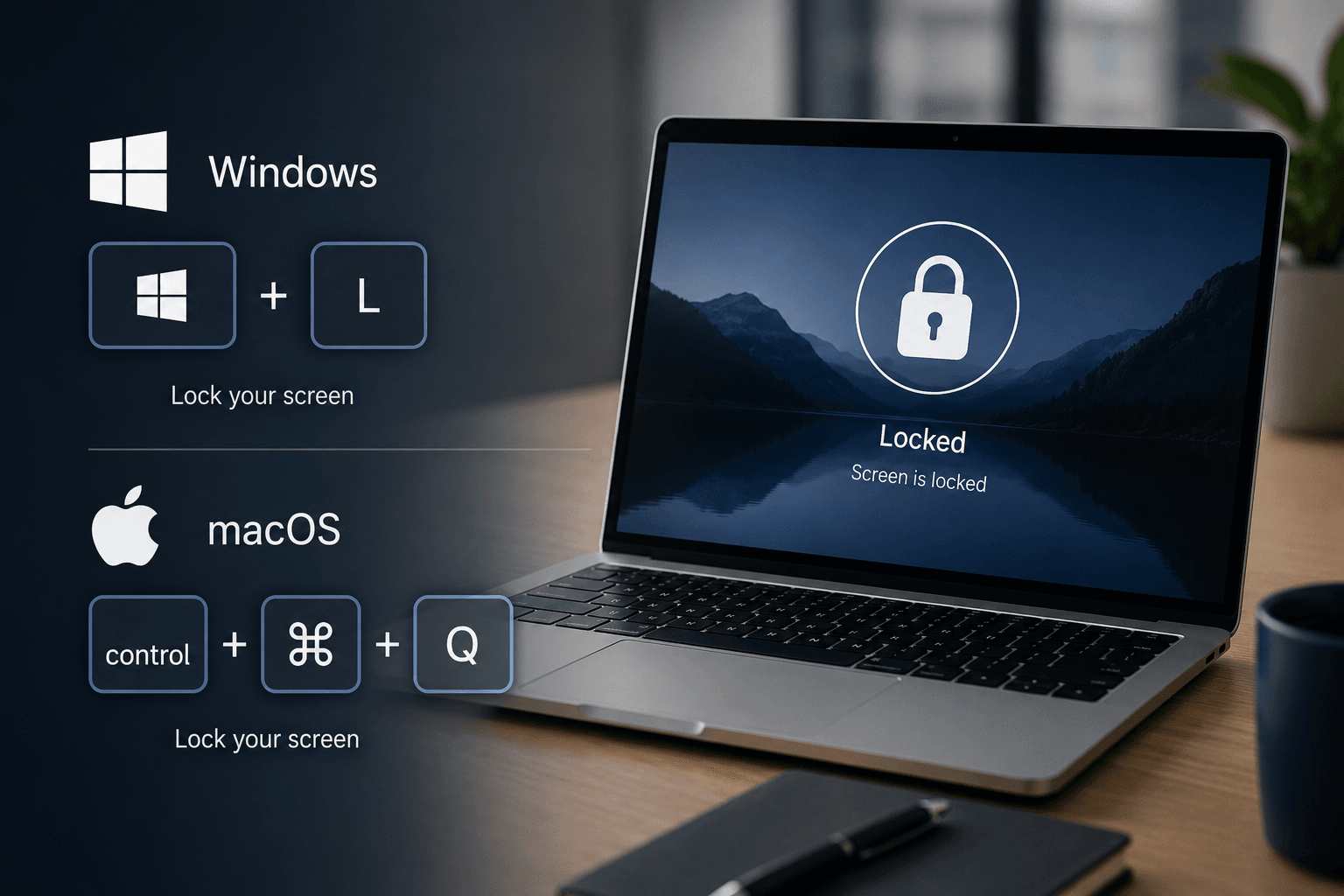
However, do not rely on automatic locking alone. Whenever you step away from your laptop, you can lock the screen instantly with a simple keyboard shortcut:
- Windows: Windows + L
- macOS: Control + Command + Q
Security Starts with Good Habits
Protecting your data does not have to be complicated. Simple security habits can make the difference in keeping your personal and work information safe.
Stay informed!
On our blog , we regularly share information about current cybersecurity threats and practical tips to help you better protect your devices and data.