Phishing Email From a Familiar Contact
- Published
- Threat for
The email address looks right. You recognize the sender. Yet the message could still be a scam. Attackers in Germany took control of an email account belonging to the Christian Democratic Union (CDU) and used it to send phishing emails. How can you spot a scam when it comes from a trusted address?
Summary
Cybercriminals don't always need to impersonate someone else's email address. Gaining access to a legitimate account is enough to exploit the trust of its contacts.
- Attackers compromised an email account belonging to Germany's CDU and used it to send phishing messages.
- Fraudulent invitations reached thousands of recipients, including government officials.
- A familiar sender doesn't guarantee safety. What matters is the content of the message and what it asks you to do.

A Familiar Sender, a Hidden Threat
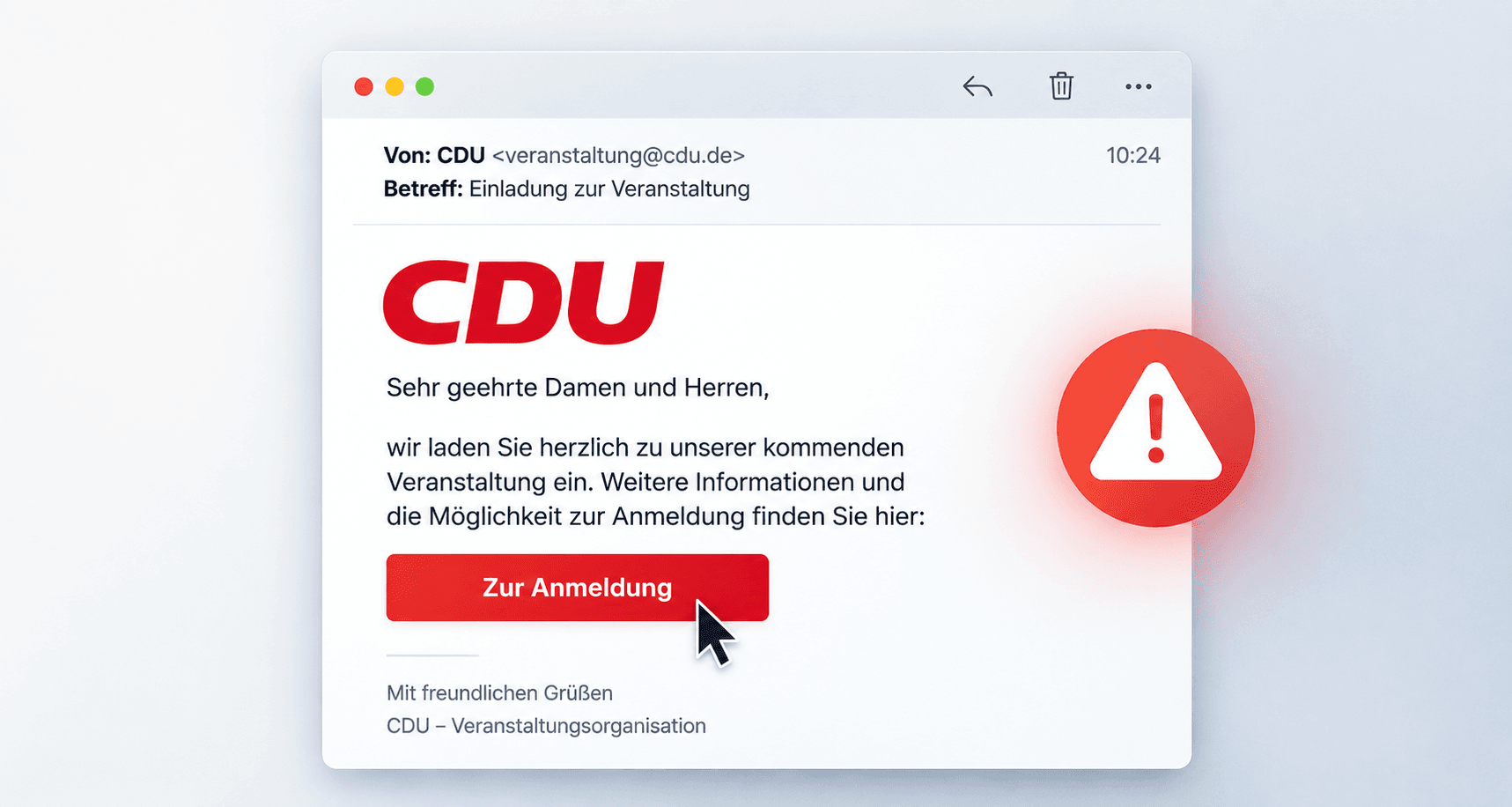
An email account belonging to Germany's Christian Democratic Union (CDU – Christlich Demokratische Union Deutschlands) became a tool for a phishing attack. Cybercriminals gained access to an account associated with the party's Heilbronn branch and used it to send fraudulent messages.
The emails appeared to be event invitations but contained suspicious links. According to cybersecurity company Rescana, the campaign targeted approximately 6,500 contacts, including people working in German government institutions.
The genuine sender address made the scam more convincing. Phishing emails no longer have to be full of spelling mistakes or come from suspicious-looking addresses. They can look like ordinary work messages, meeting invitations, or documents shared by a business partner.
When attackers take over an email account, they may also gain access to previous conversations. This can help them craft messages that fit naturally into existing email threads and raise little suspicion.
The real danger often lies behind a link. It may lead to a fake login page designed to look almost identical to a legitimate service. If someone enters their password, they could unknowingly hand it over to the attackers.
How to Protect Yourself From Phishing Emails
Even a convincing email can be fraudulent. A few simple precautions can help keep you safe:
- Verify unexpected requests. If a message contains a suspicious link or asks for sensitive information, confirm it by phone.
- Use official websites to sign in. Avoid entering passwords through links in unexpected emails.
- Enable multi-factor authentication. It adds another layer of protection if your password is compromised.
- Don't let anyone rush you. Urgent demands to log in or provide a password are warning signs.
- Report suspicious messages.
If you've already entered your password on a suspicious website, change it immediately and review your account security settings. At work, contact your IT administrator.
Don't judge an email solely by who sent it. Pay attention to what it's asking you to do. For more practical advice on spotting online scams and protecting your accounts, visit the Redamp.io blog .